· Medical Pages Team
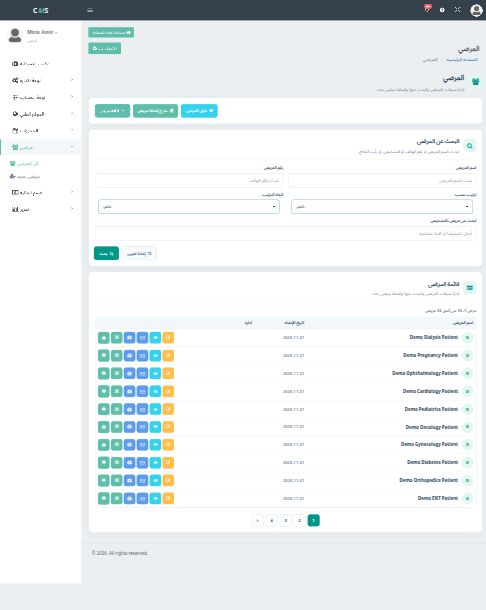
Find a patient before you open a new file
Search the patient list by name, phone, and clinic so the next visit stays on the same chart.
Read more
Our resources focus on clinic operations, patient experience, websites and digital marketing - the topics that help healthcare providers make better digital decisions.
· Medical Pages Team
Search the patient list by name, phone, and clinic so the next visit stays on the same chart.
Read more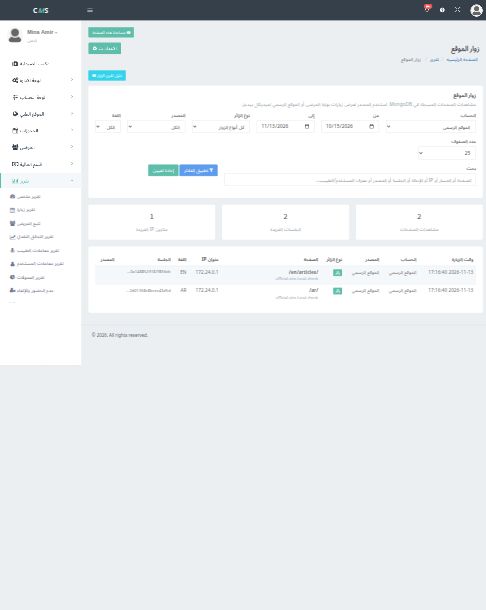
· Medical Pages Team
The site visitors report separates patient-portal traffic from the official Medical Pages website.
Read more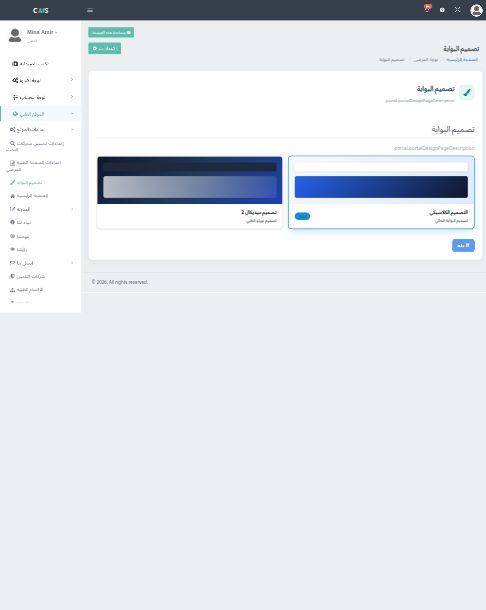
· Medical Pages Team
Switch between the classic portal and Medical 2, then save the design the clinic wants patients to open.
Read more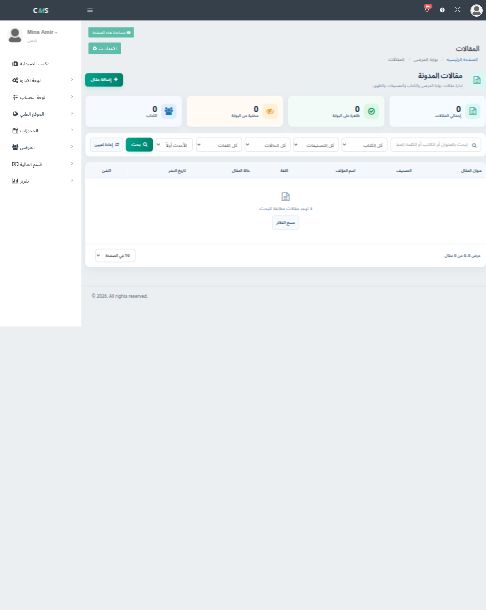
· Medical Pages Team
The portal blog needs a category, an author, both languages, and an SEO title before the article is ready for patients.
Read more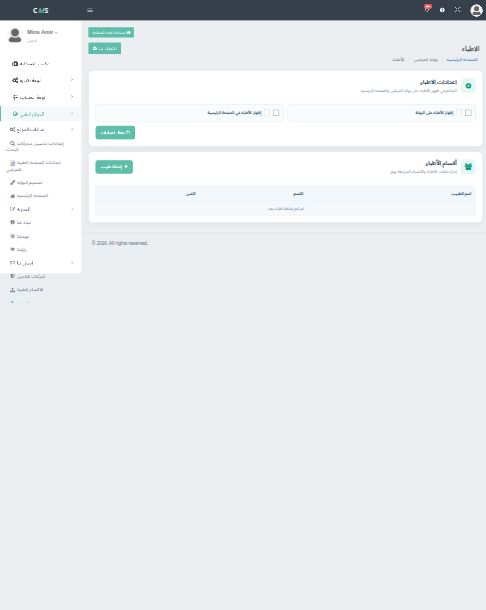
· Medical Pages Team
Turn doctors on for the portal and the homepage, then attach each profile to a department.
Read more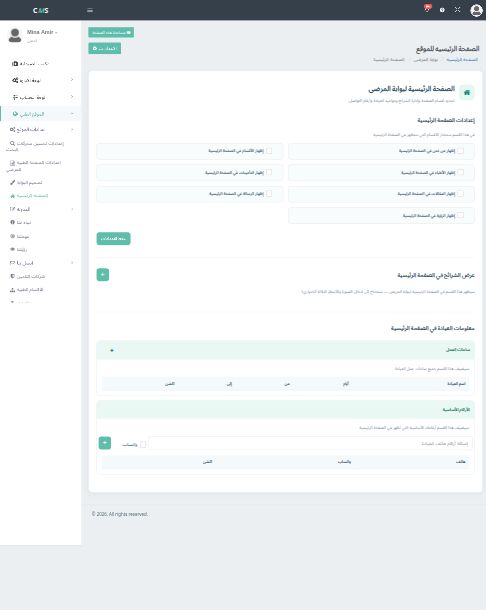
· Medical Pages Team
Turn homepage blocks on only after the clinic has real doctors, hours, phones, and articles to show.
Read more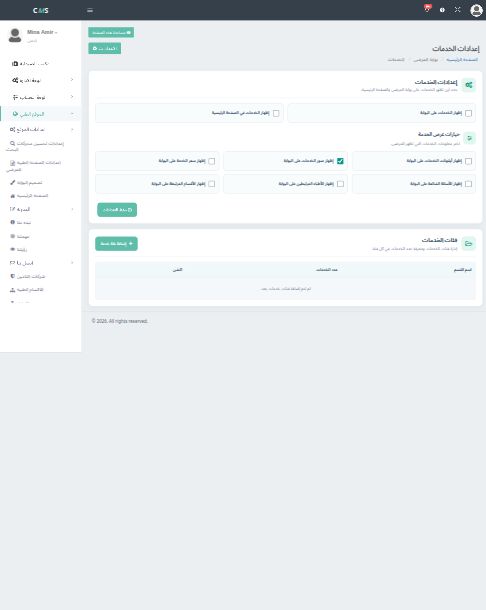
· Medical Pages Team
Show service categories, prices, photos, questions, and linked doctors only when the clinic wants them public.
Read more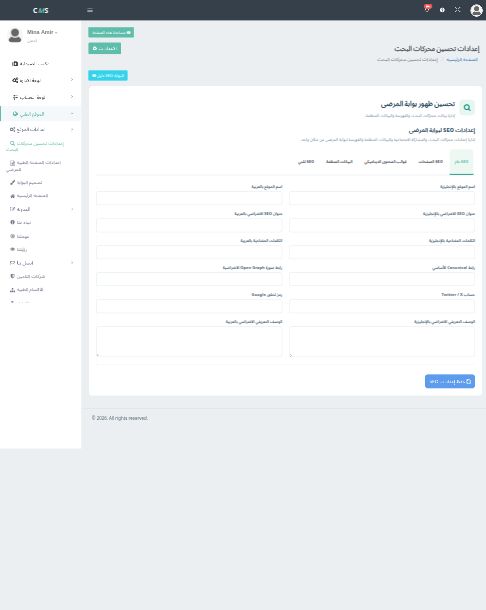
· Medical Pages Team
Give the portal a bilingual site name, default title, description, canonical URL, and index rules.
Read more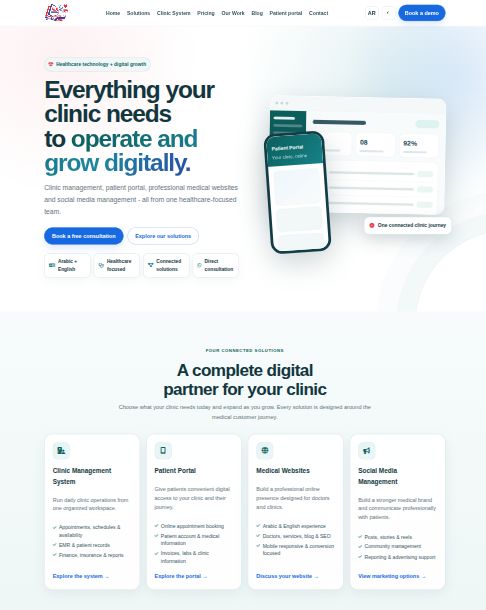
· Medical Pages Team
The official site explains the clinic system, the patient portal, websites, and marketing. It is not a clinic’s own portal.
Read more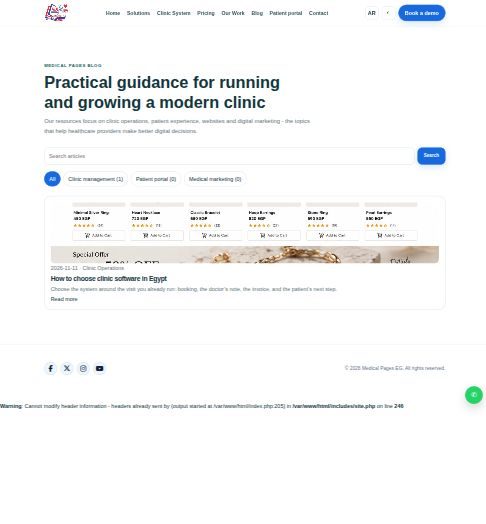
· Medical Pages Team
The official blog explains Medical Pages. Each clinic portal blog explains that clinic to its own patients.
Read more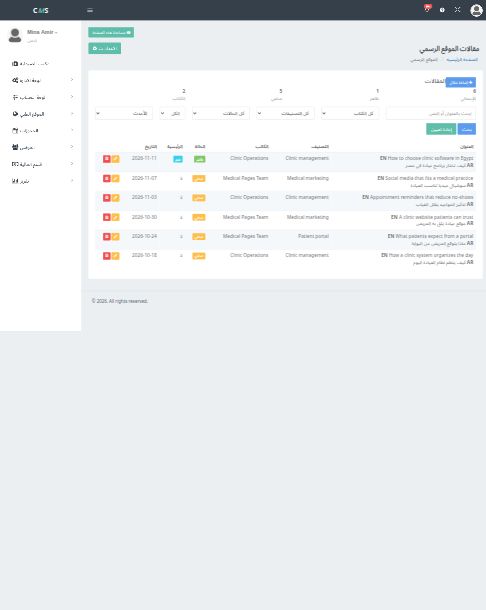
· Medical Pages Team
Official articles live under Admin, Official website. Each one needs a category, an author, and SEO fields in both languages.
Read more